UV StudiosA UV Studios app

Know what
you own.

Your wardrobe, shot like a storefront. Stored in your own Google Drive or phone folder.

Join testingHow it worksIn closed testing on Android. iOS is coming soon.

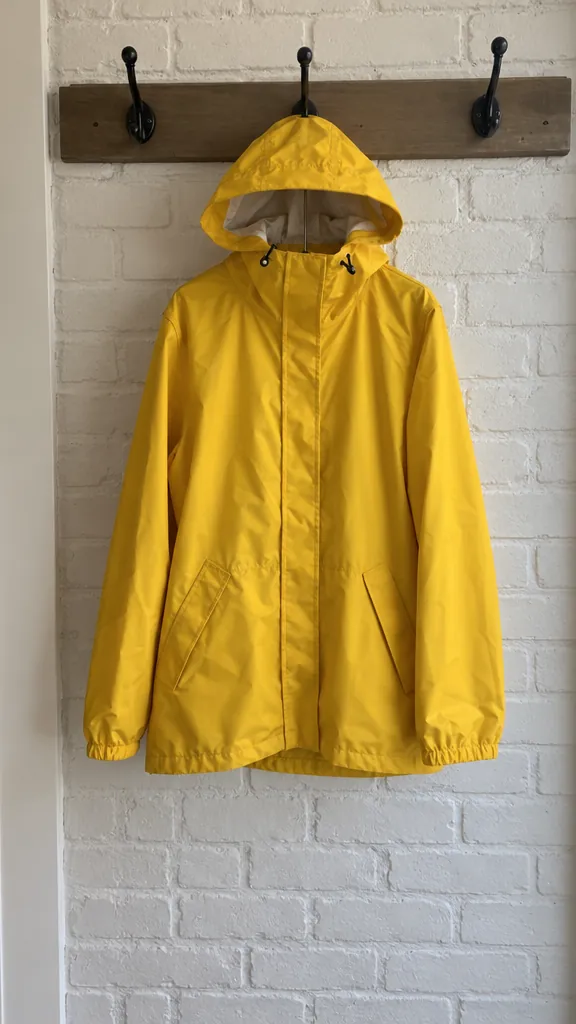
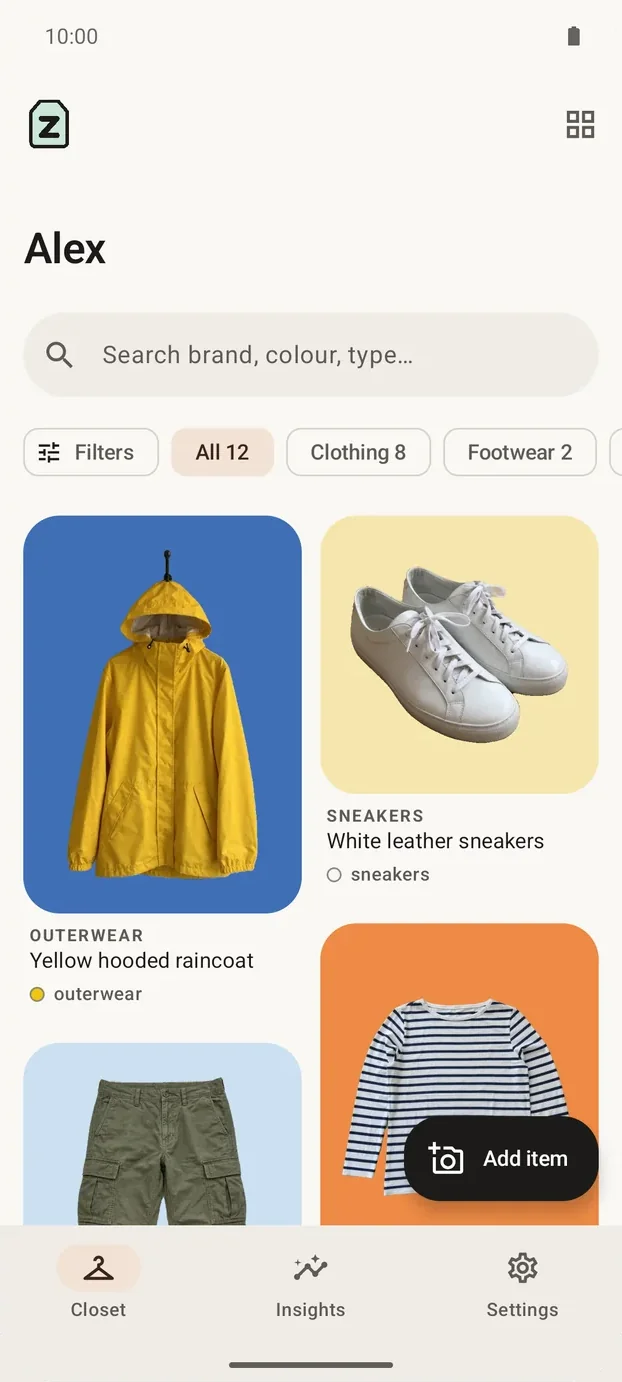
Yellow hooded raincoat
Outerwear
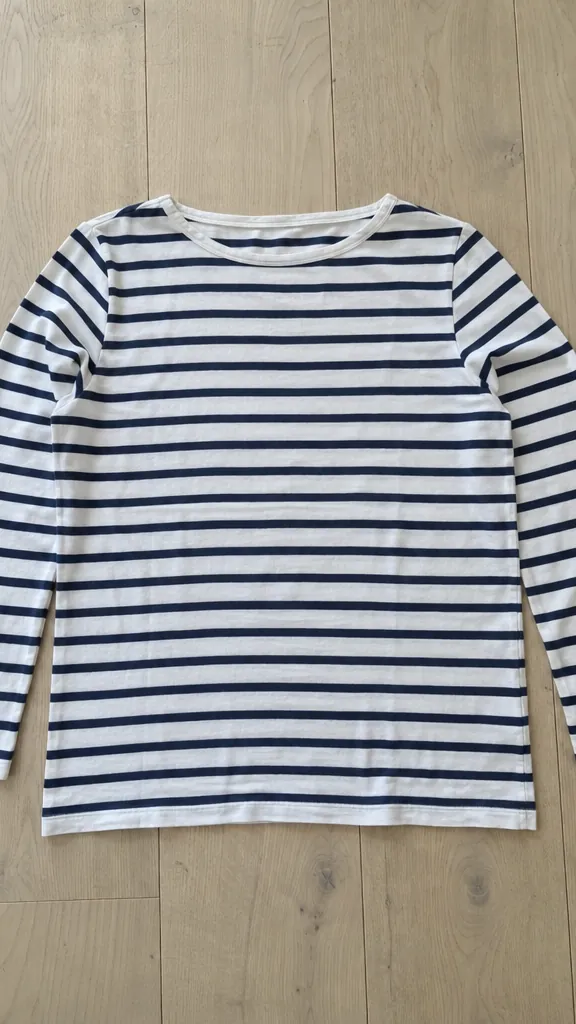
Striped Breton tee
Tops
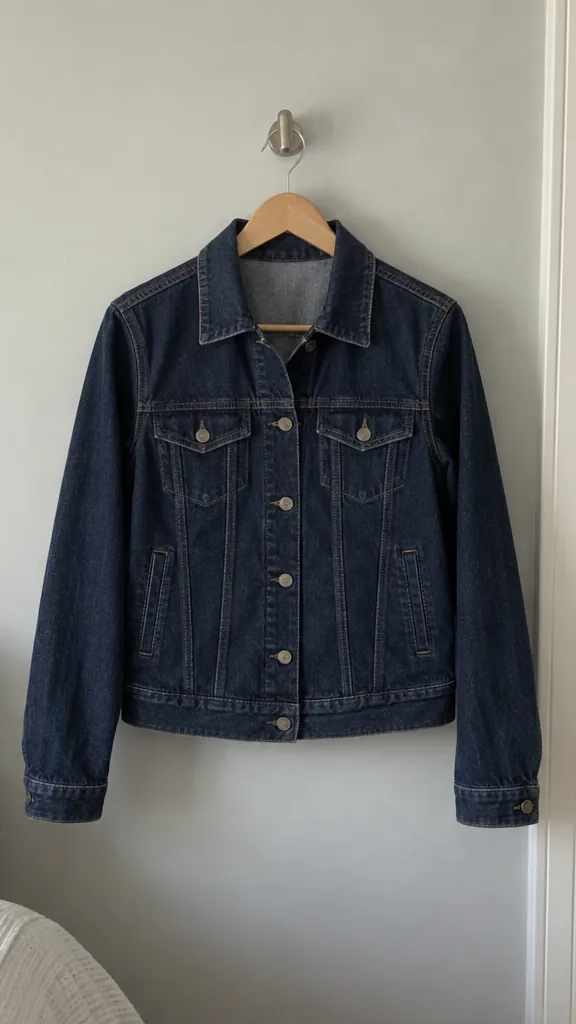
Navy denim jacket
Outerwear
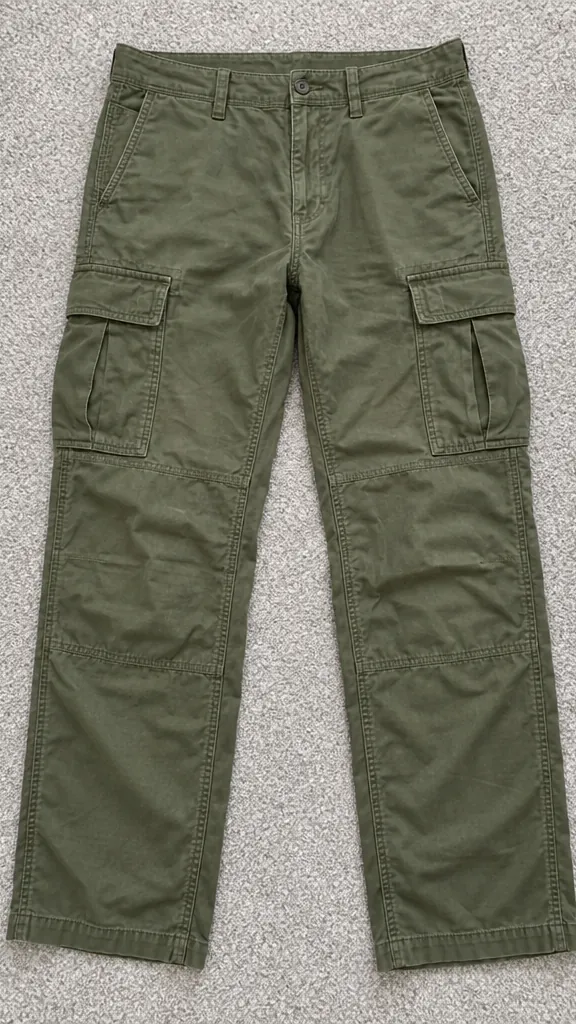
Olive cargo trousers
Bottoms

Photograph it. Zenquip does the rest.

  1. Photograph a piece of clothing

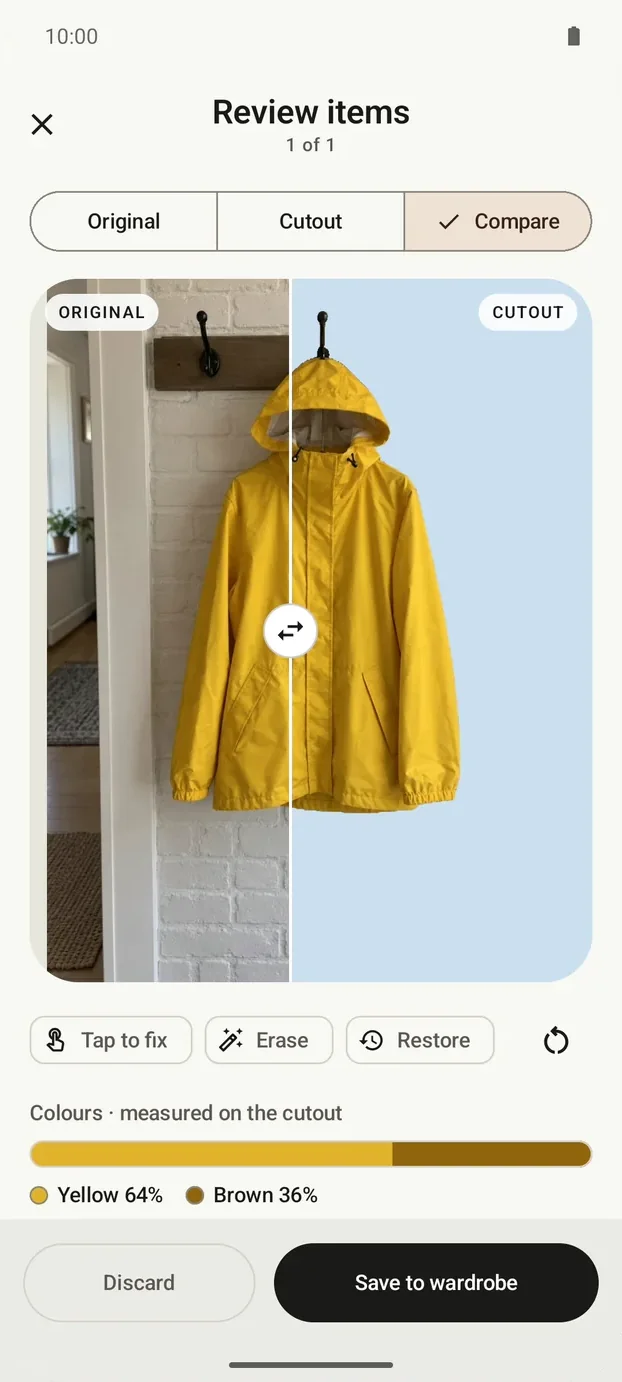
  2. Zenquip removes the background on your phone

  3. Review the cutout, colors and tags, and fix anything

  4. Save it to your wardrobe, in your Drive or on your phone

Inside the app

Browse your closet like a shop.

The closet grid, with search and category filters
A new item with the original photo and the cutout side by side
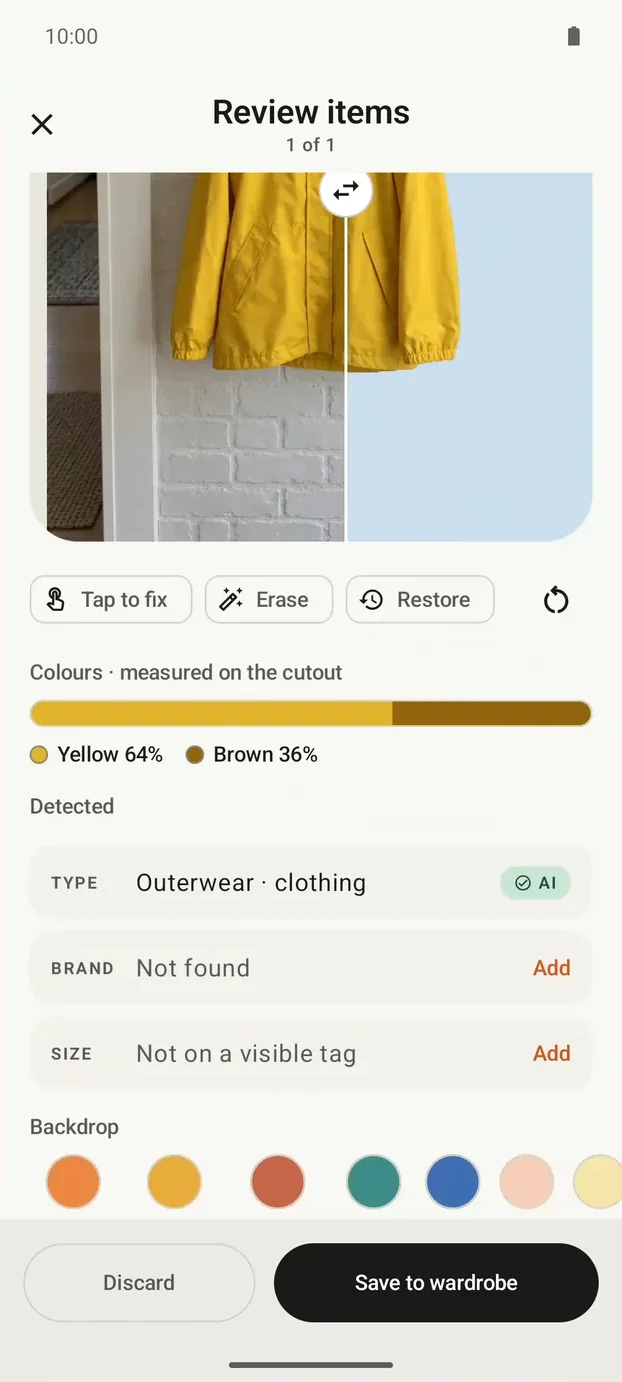
Type and colours detected for a new item, before you save it
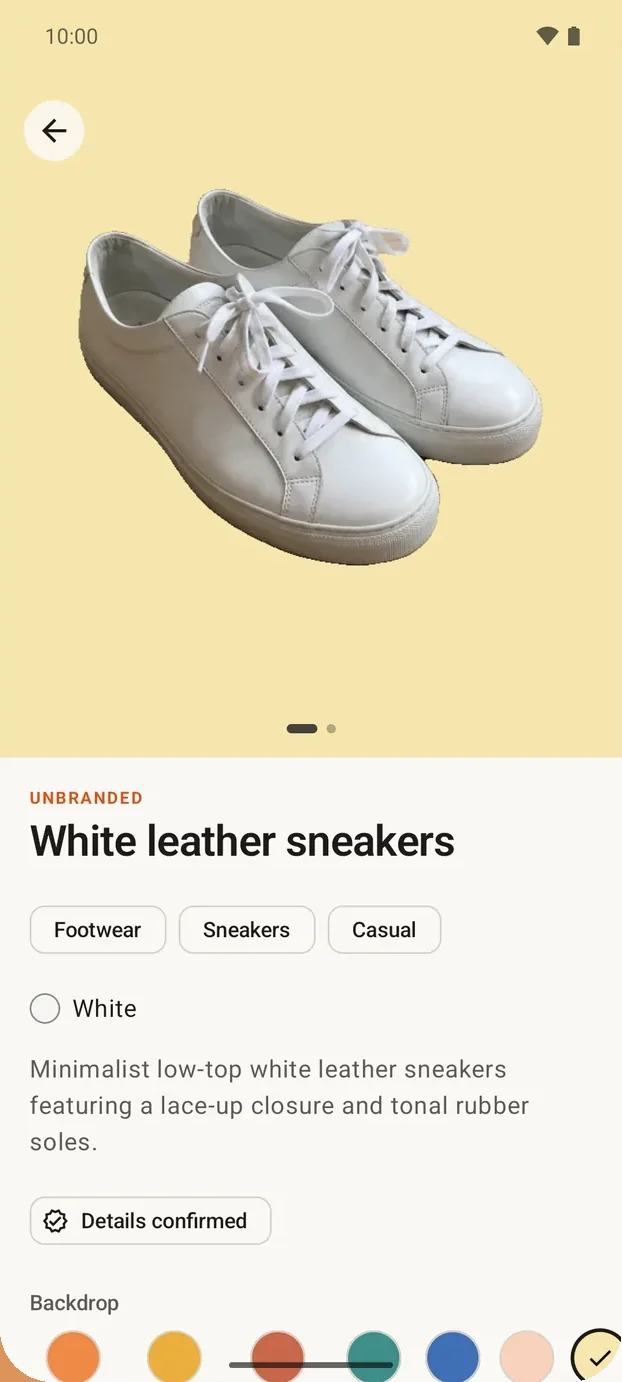
One item, white leather sneakers, with its tags and colour
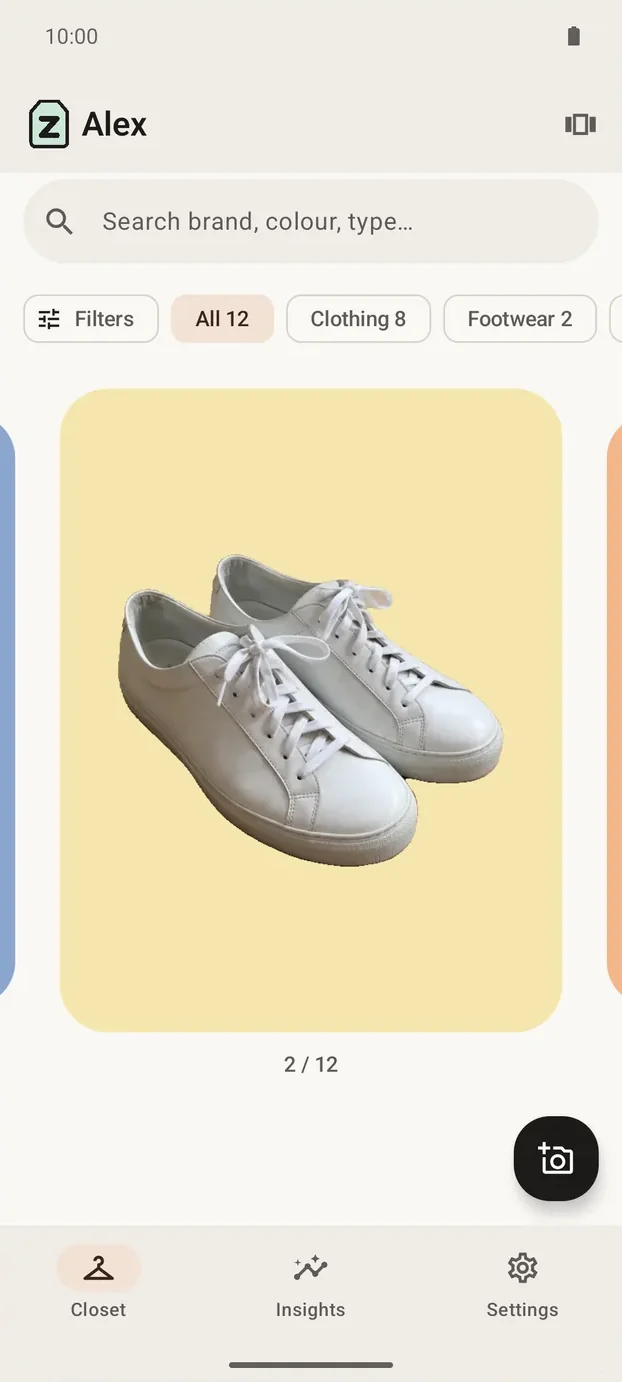
The lookbook view, one item at a time
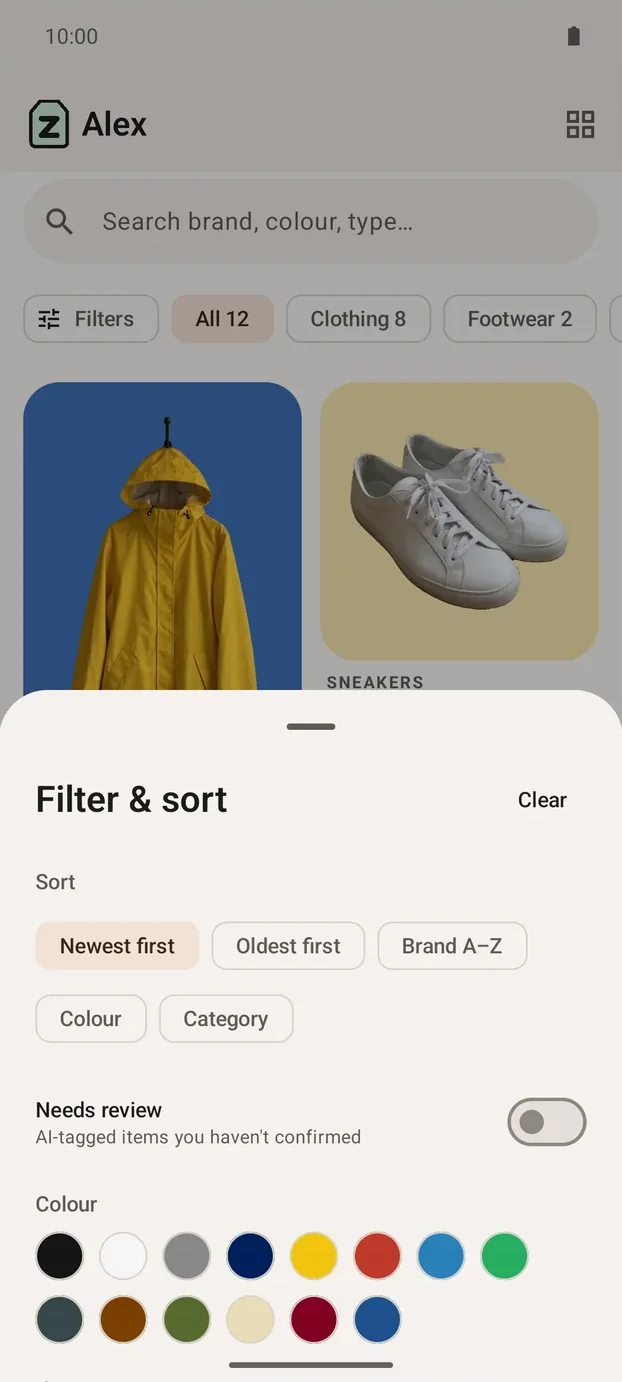
Filter and sort by date, brand, colour and category
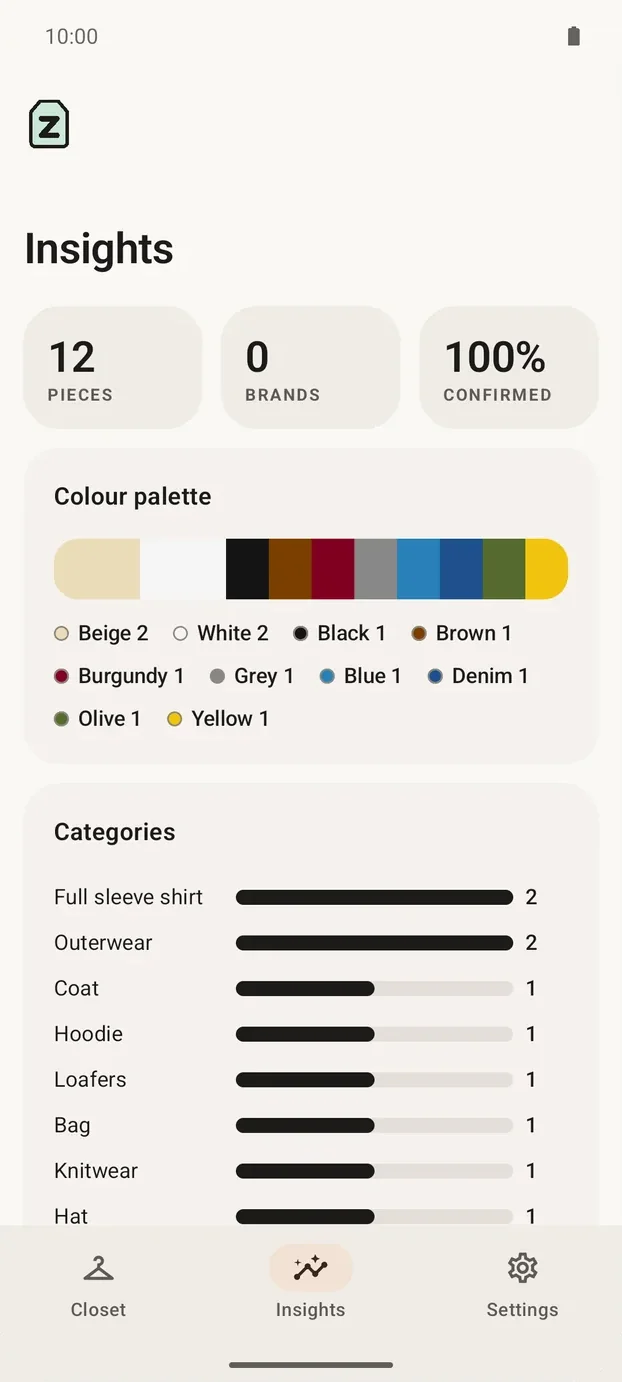
Insights: your pieces, colour palette and categories
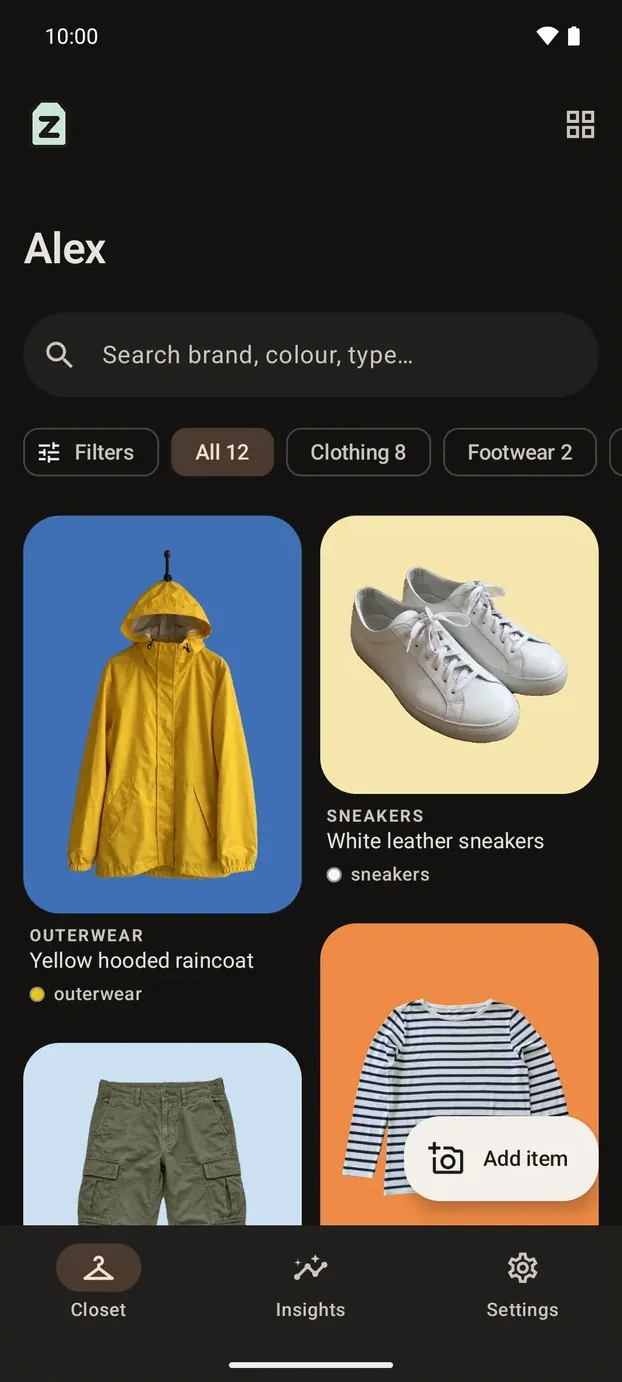
The closet grid in dark mode

See it in action

Small details, done properly.

  • Background removal on your phone, with touch-up brushes
  • Colors measured on the garment, not the background
  • AI tags with your own Gemini key, each showing where it came from
  • Studio backdrops you can change at any time
  • Grid, list and swipeable lookbook views
  • Insights into your colors, types and occasions
  • Opens offline, and edits sync later
  • Light and dark themes

About Zenquip

Zenquip is a digital wardrobe for Android. Photograph your clothes and it removes the background on your phone, reads the colors, tags each piece and puts it on a clean studio backdrop, so your whole wardrobe is searchable in one place.

The problem

It is easy to lose track of what you own. Clothes get forgotten at the back of the closet, and wardrobe apps often want your personal photos on their own servers.
Our approach

Background removal and color analysis always run on your phone. Your wardrobe stays in your own Google Drive or a folder on your phone, and Zenquip has no server of its own. AI tags are optional, using your own Gemini key; without one you still get cutouts, colors and backdrops.

Use cases

  • See everything you own

    Browse your wardrobe like a storefront, instead of digging through a closet

  • Find a piece fast

    Search or filter by color, type, occasion or size

  • Keep a wardrobe per person

    Set up one for each family member

  • Check before you buy

    See what you already own, wherever you are

Your closet stays yours.

Zenquip has no server. Background removal and color analysis run on your phone.

  • No account with us
  • Your own Google Drive, or a phone folder
  • AI tags only if you add your own key
Account required
No account with us. Use your own Google Drive, or a folder on your phone
What it keeps
Your clothing photos and wardrobe details
Where your data lives
Your own Google Drive or a phone folder. Zenquip has no server. For AI tags, only the cutout photo goes to Google Gemini, using your own key
Age rating
Not yet rated

Coming to Android.

Zenquip is in closed testing. iOS is coming soon.

Requires
An Android phone. AI tags are optional and use your own Gemini key
Last updated

Join testing

  • In testing Android
  • Coming soon iOS