The problem
Big photo libraries are hard to search. The galleries that understand what is in your pictures usually do it by uploading them to the cloud.

Type what you remember. Pixel Phi finds it on your device, and your photos never leave it.
The real gallery, searched on the device. No tags, no upload.
Pixel Phi is a photo gallery that finds your photos when you describe them. Type "dog on a beach" or "mountains last summer" and the matching photos come up, even though you never tagged or named anything. The search runs on your own device, and your photos are never uploaded.
Big photo libraries are hard to search. The galleries that understand what is in your pictures usually do it by uploading them to the cloud.
Pixel Phi runs Google's EmbeddingGemma 2 model on your device, so search works from a plain description. The app goes online for one thing only: downloading the model, once, when you ask it to. You can browse without it and set it up later.
On Windows too
The same search on the desktop, with folders, albums and a timeline.
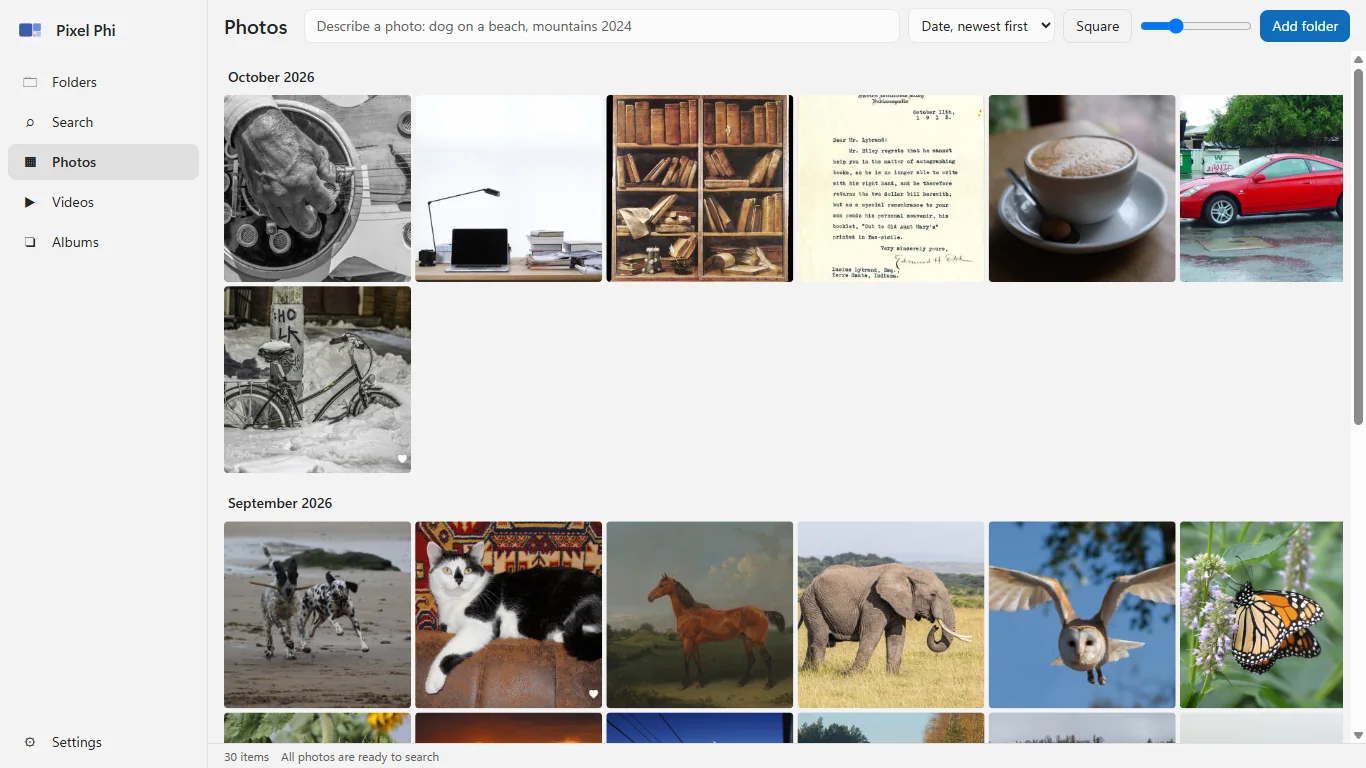
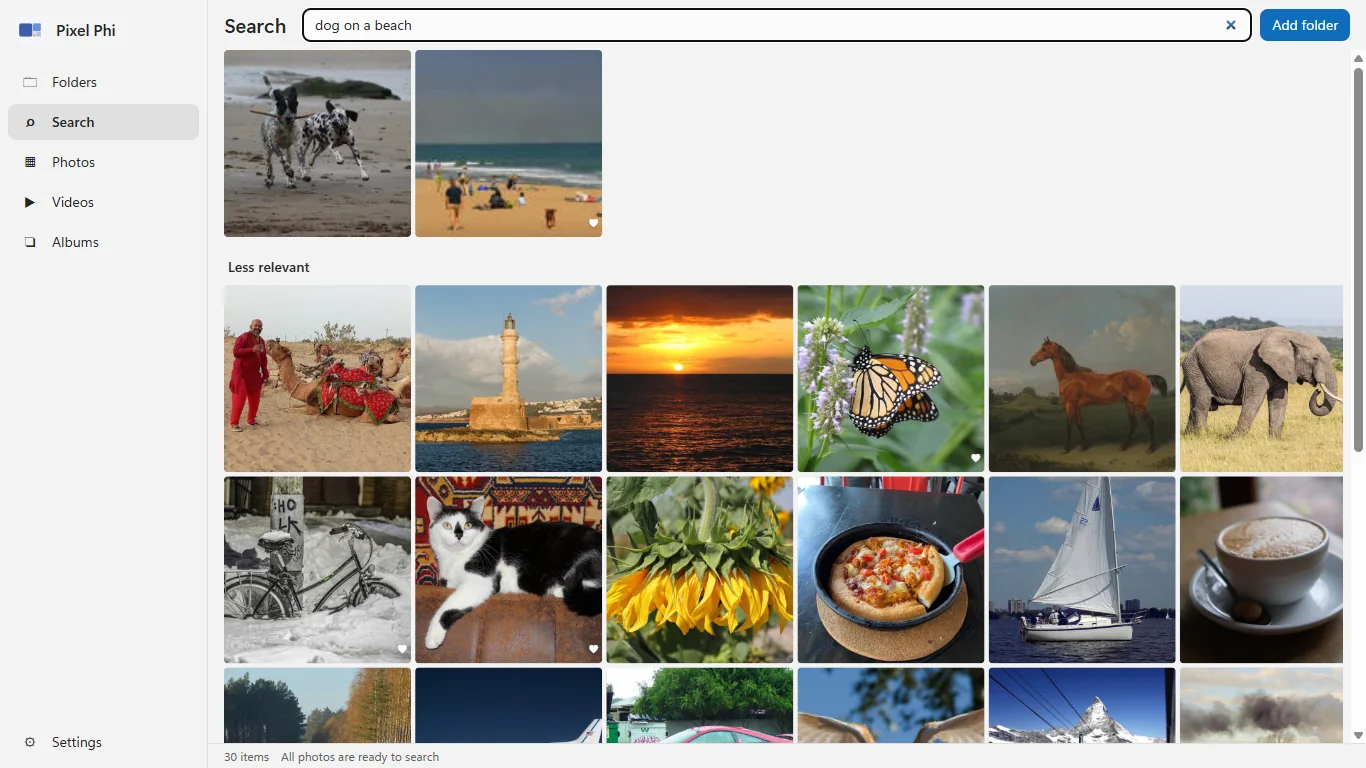
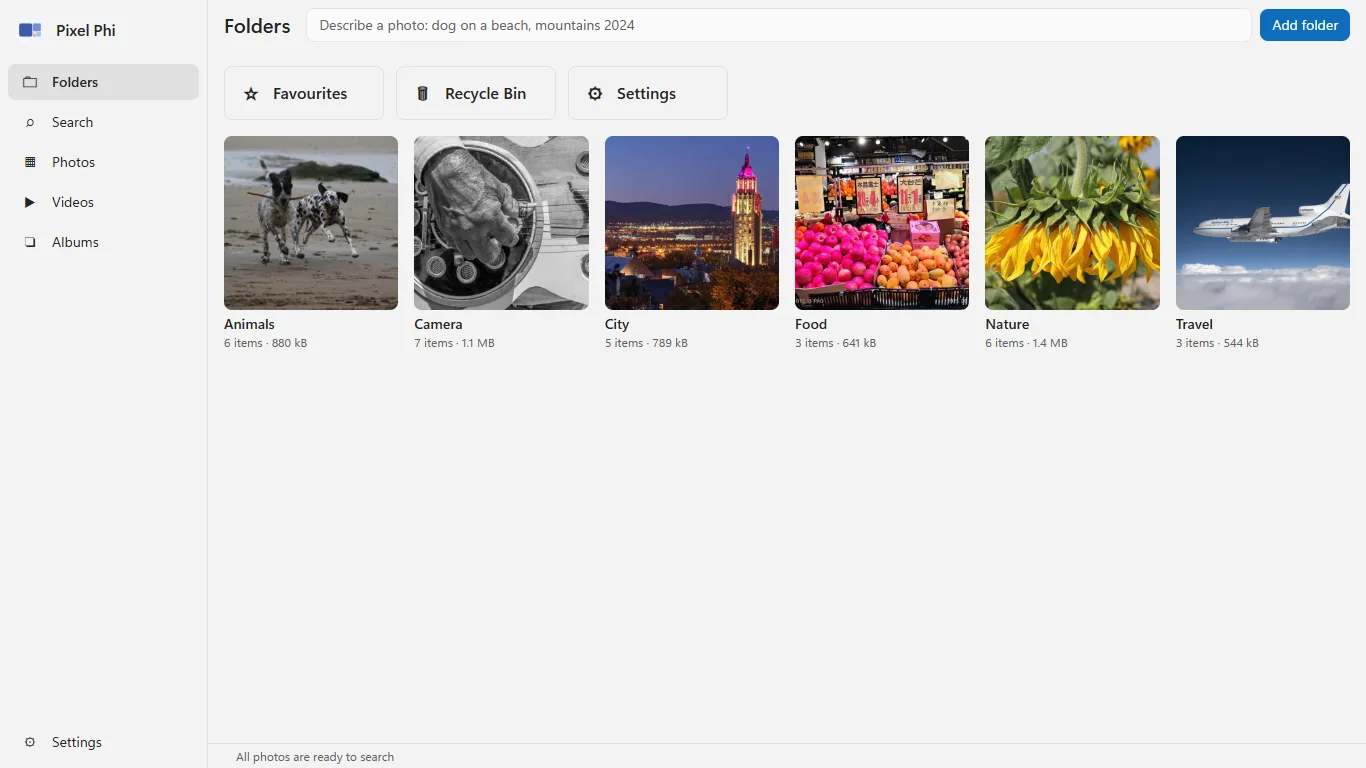
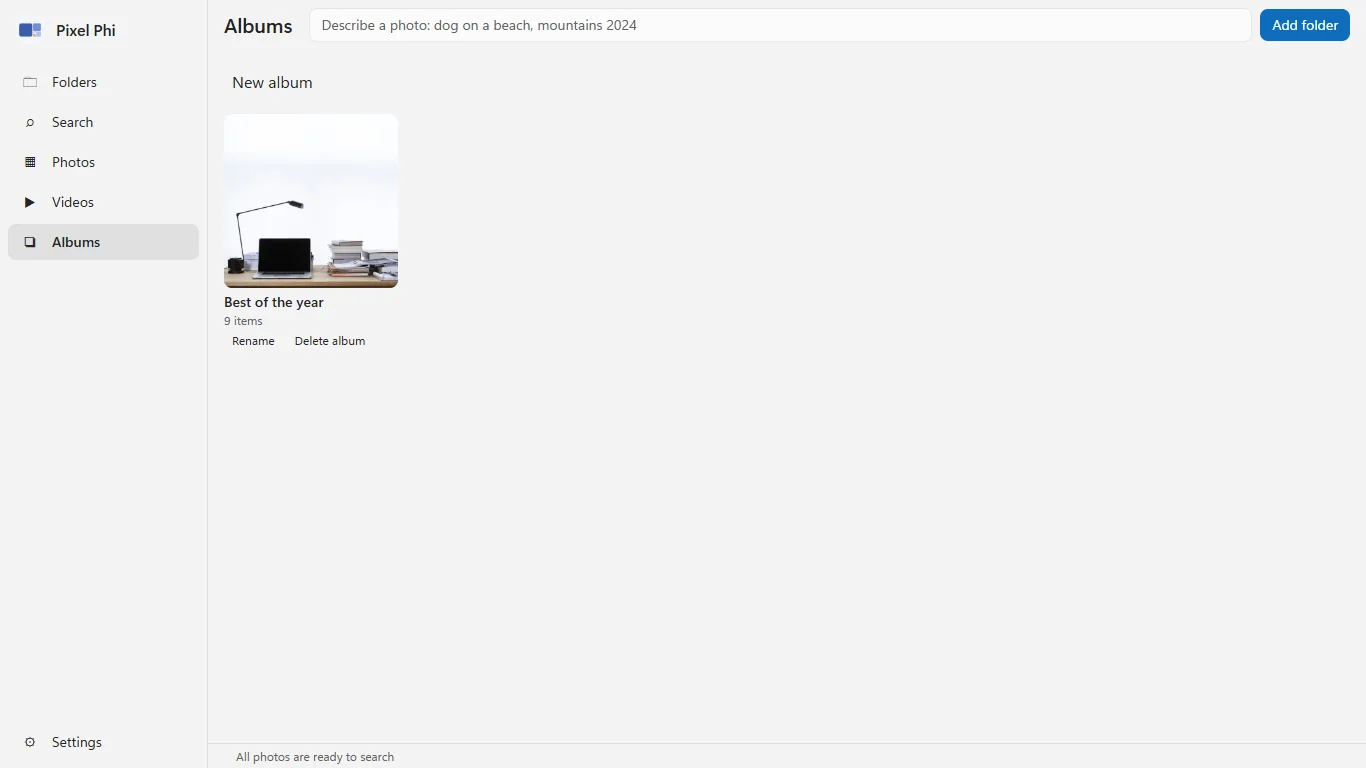
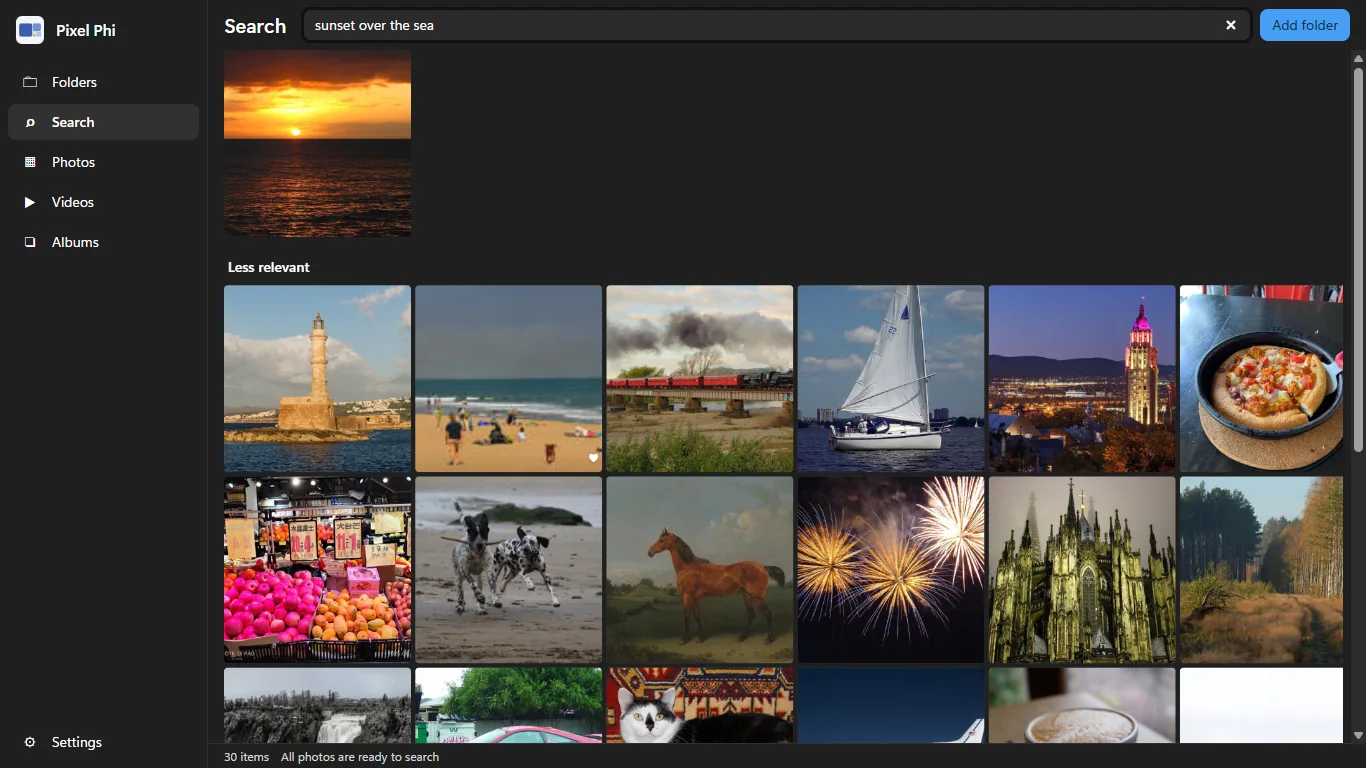
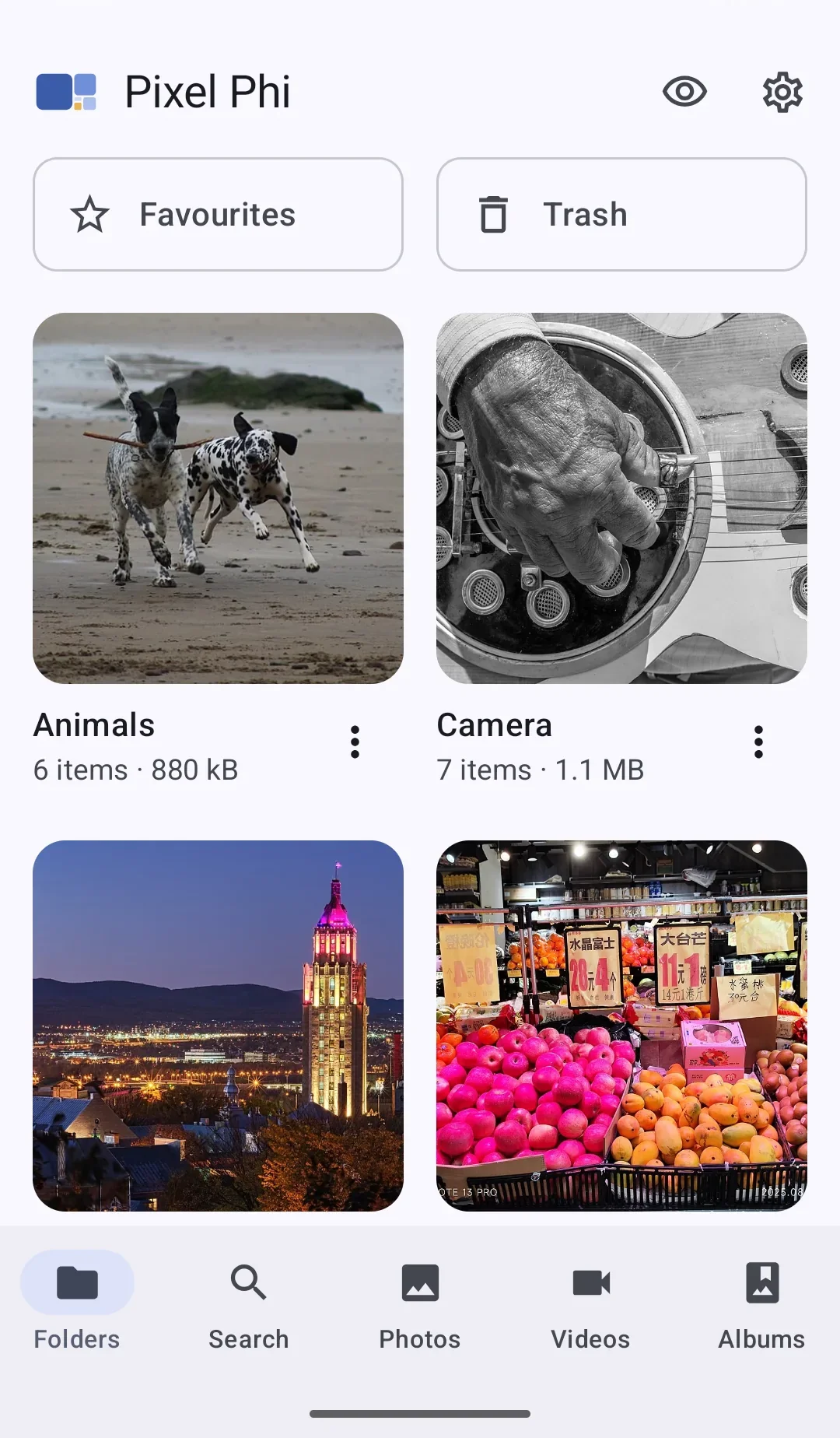
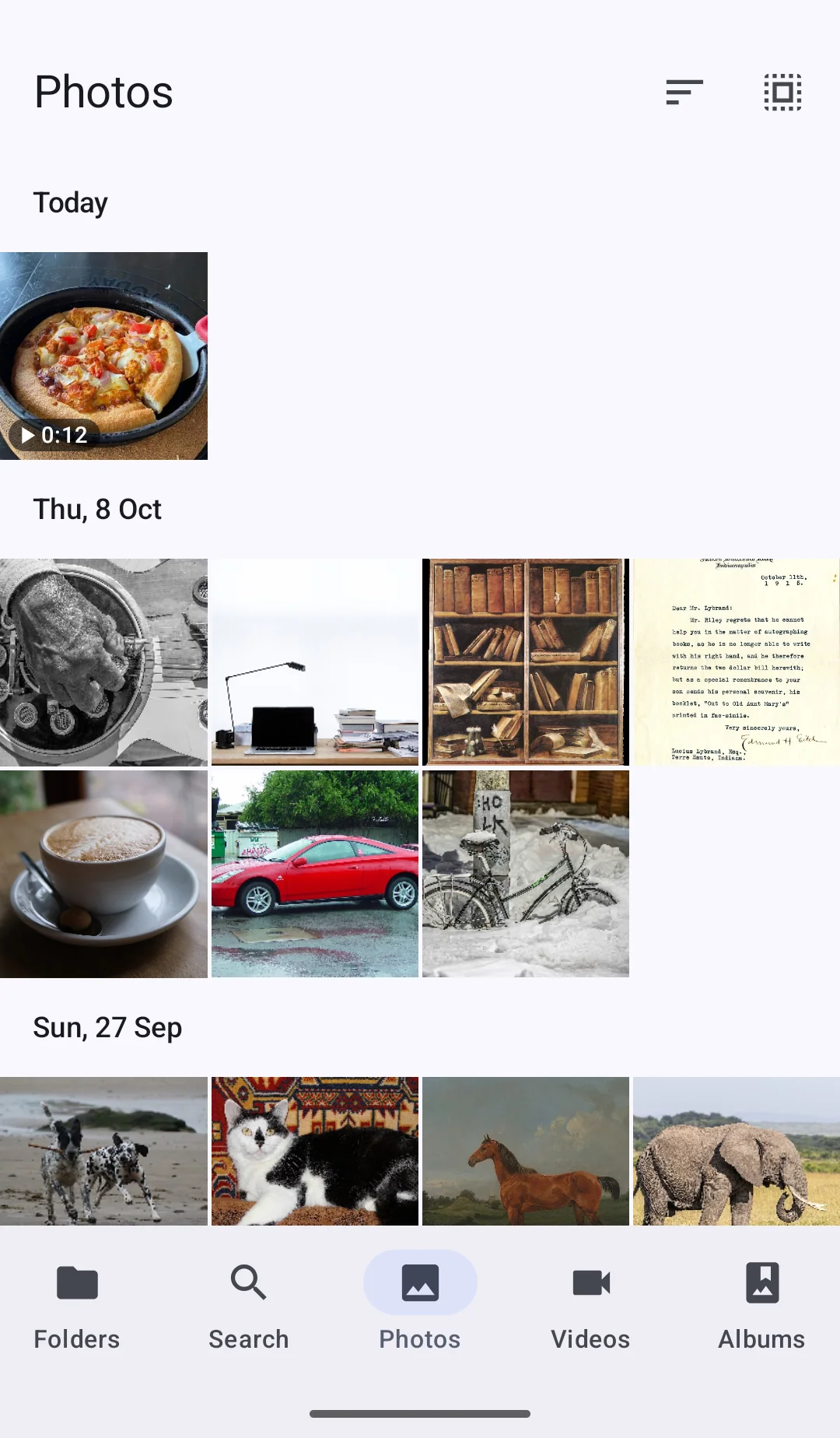

Describe a photo and the matches come up, even though you never tagged anything.
Describe what happens, such as blowing out the candles, and go straight there. (Android)
Pick one photo and see the shots that look like it.
Date, type, favorites, folder or album.
Plus a trash you can restore from. (Android)
Both themes, on both platforms.
Search "birthday cake" without remembering the date or the folder
Describe what happens, such as "blowing out the candles", and go straight there
Find similar shots, pin the folders you use and hide the rest
Search a personal library with nothing sent to a server
Pixel Phi goes online for one thing only: downloading the search model, once, when you ask it to.