The problem
AI makes images faster than anyone can check them, and a caption can be cropped out, retyped or simply lost. Nothing in a feed tells you where a picture came from.
Every image has a story
In development
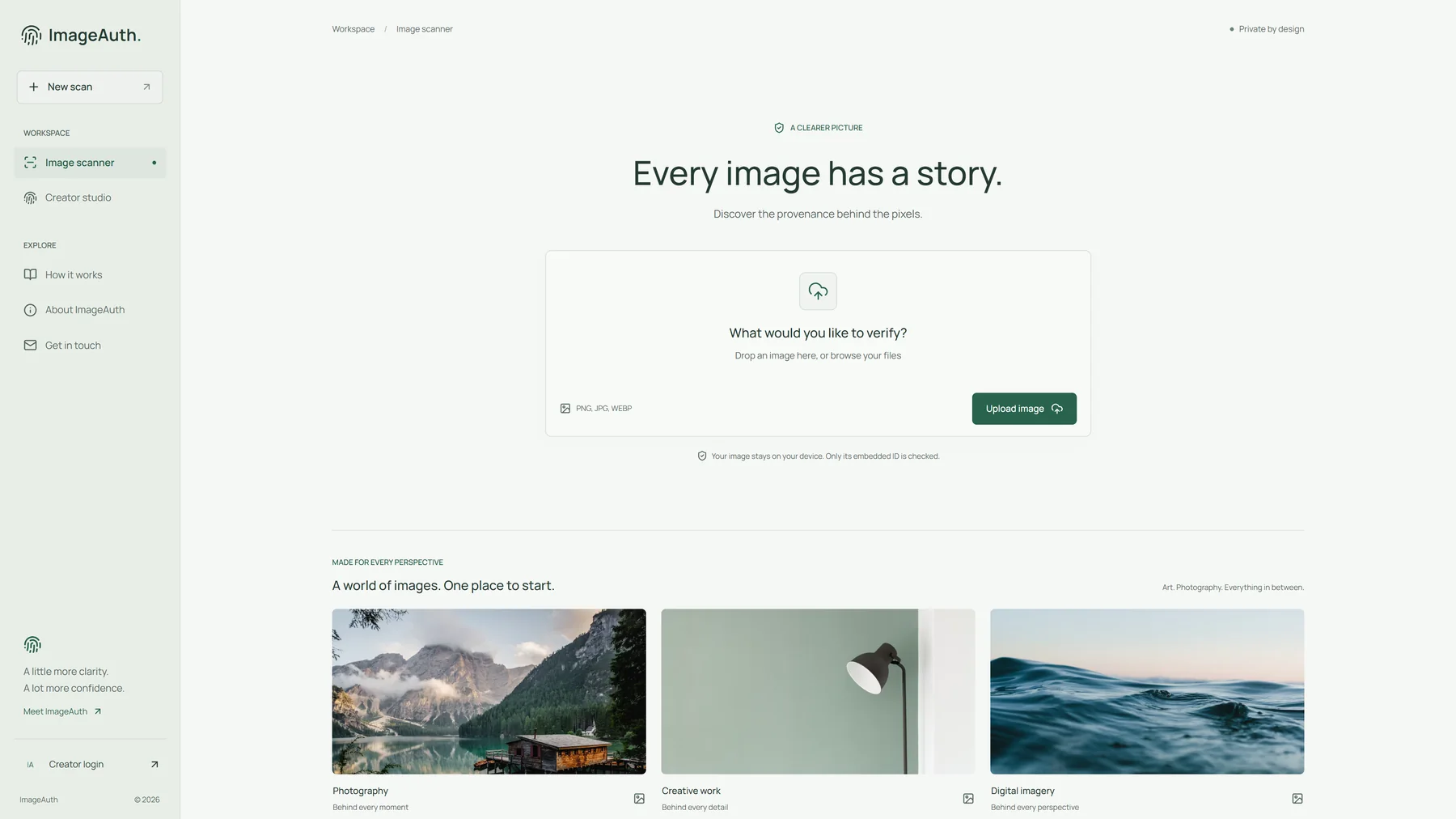
Creators add a hidden record, and anyone can drop the image into the public scanner to see who made it, the source and when. It is an experimental way to keep that information with the image, and a label, not a lock.
AI makes images faster than anyone can check them, and a caption can be cropped out, retyped or simply lost. Nothing in a feed tells you where a picture came from.
ImageAuth uses least significant bit steganography: it changes only the last bit of the red value in each pixel it needs, so the difference is invisible. In a 1.6 million pixel test image, just 1,178 pixels changed, each by a single step. Those bits hold an ID that points to a record in a database.
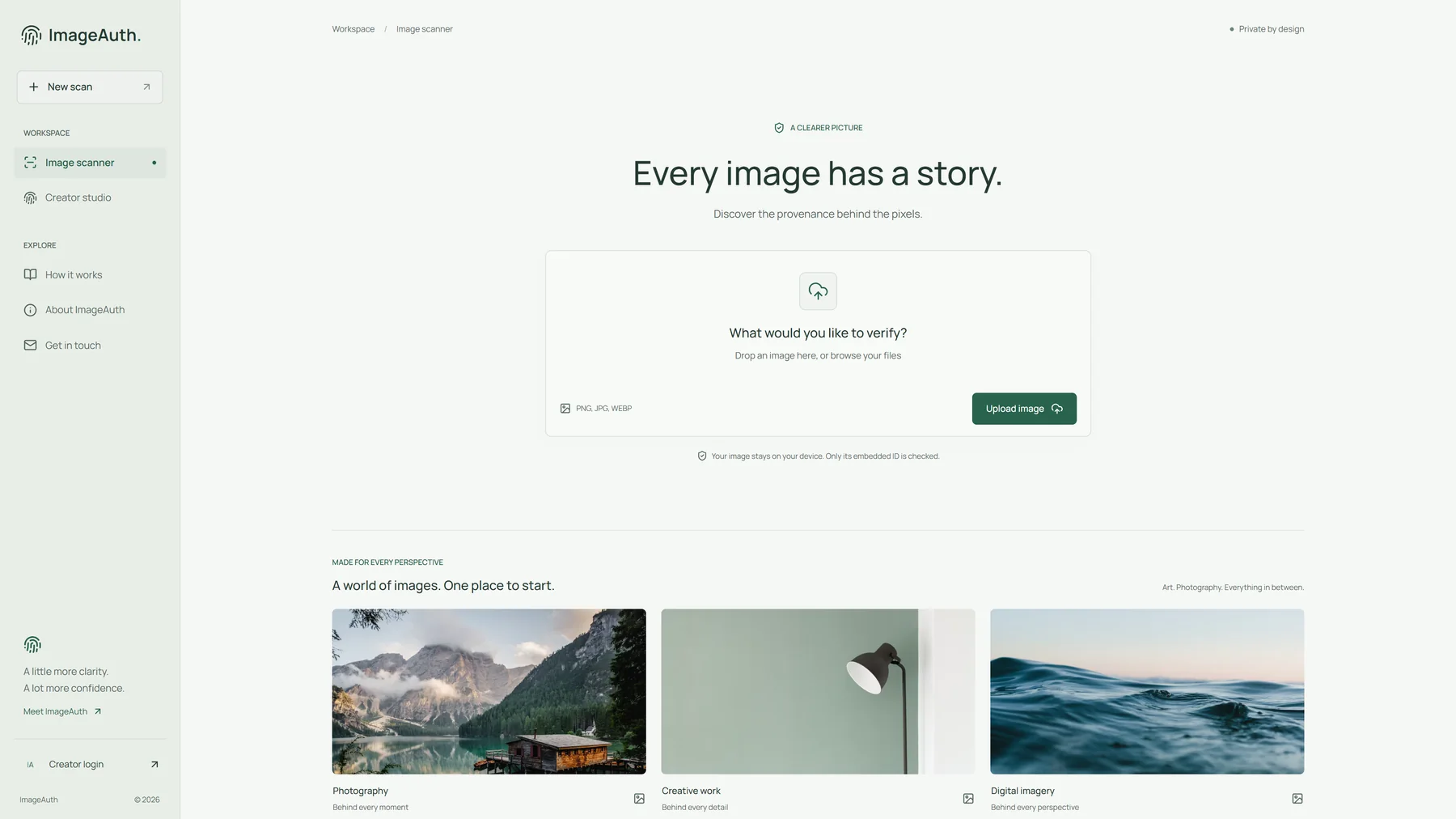
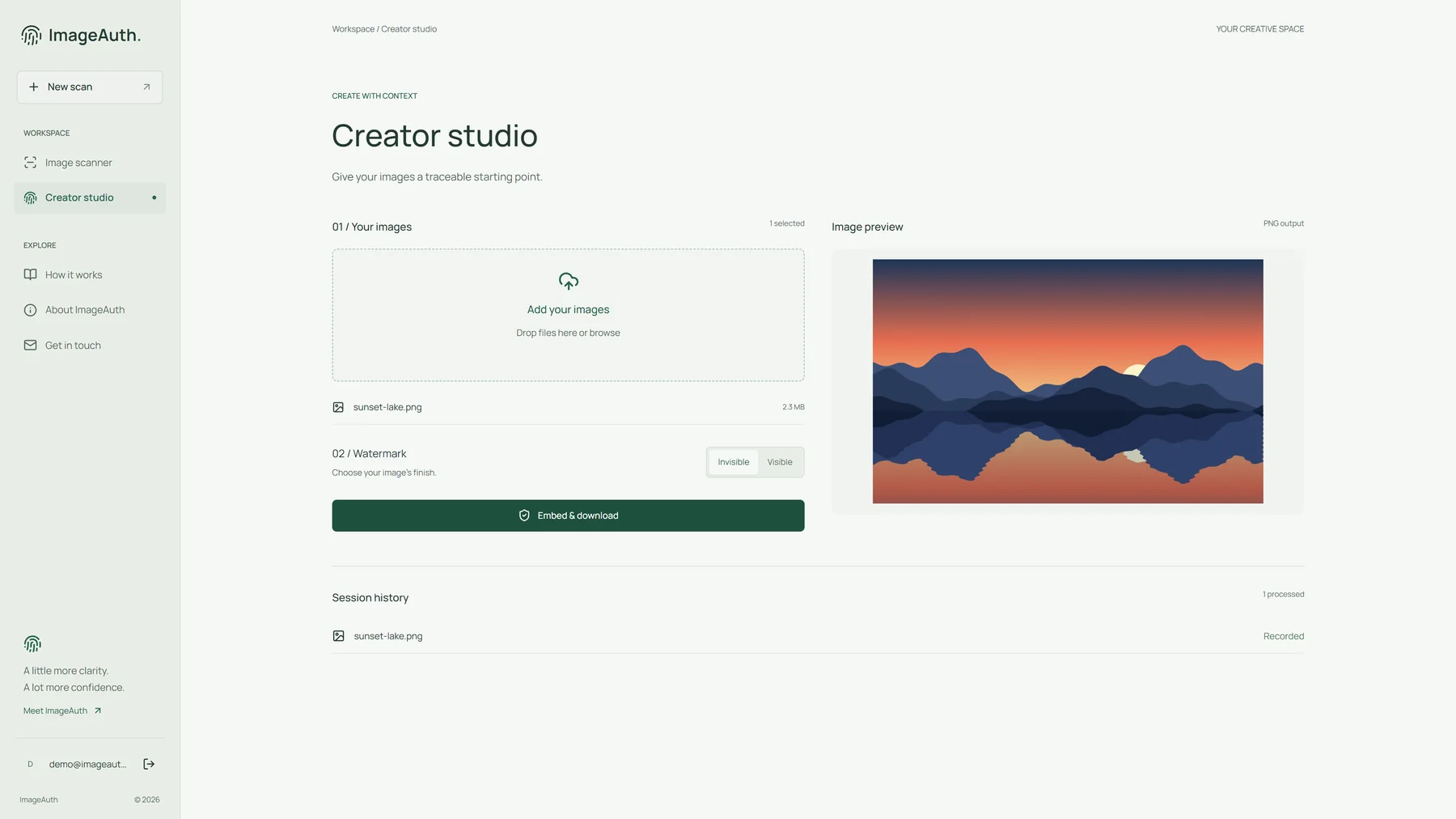
Creator Studio with invisible or visible finishes
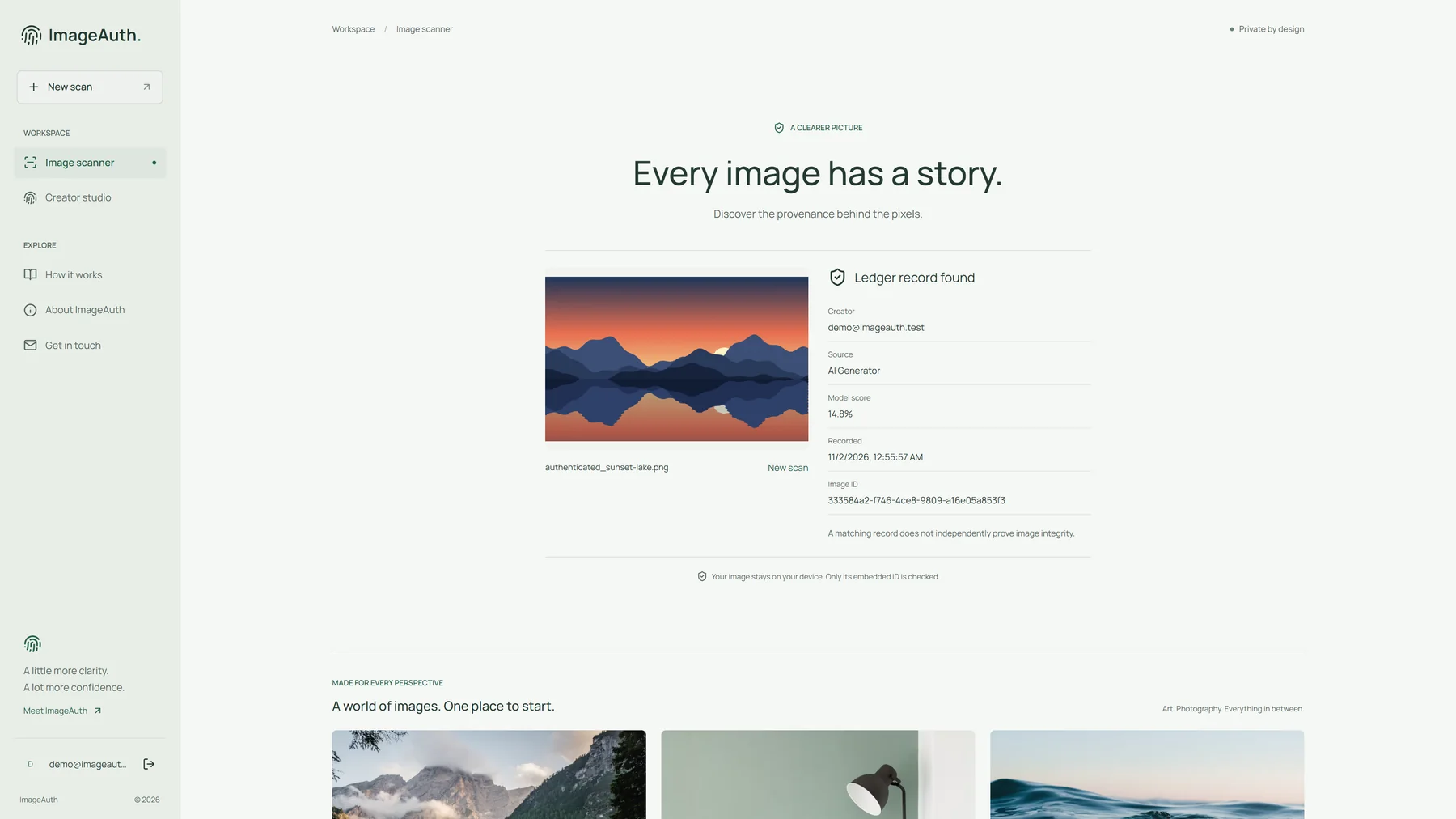
Public scanner, with no account needed
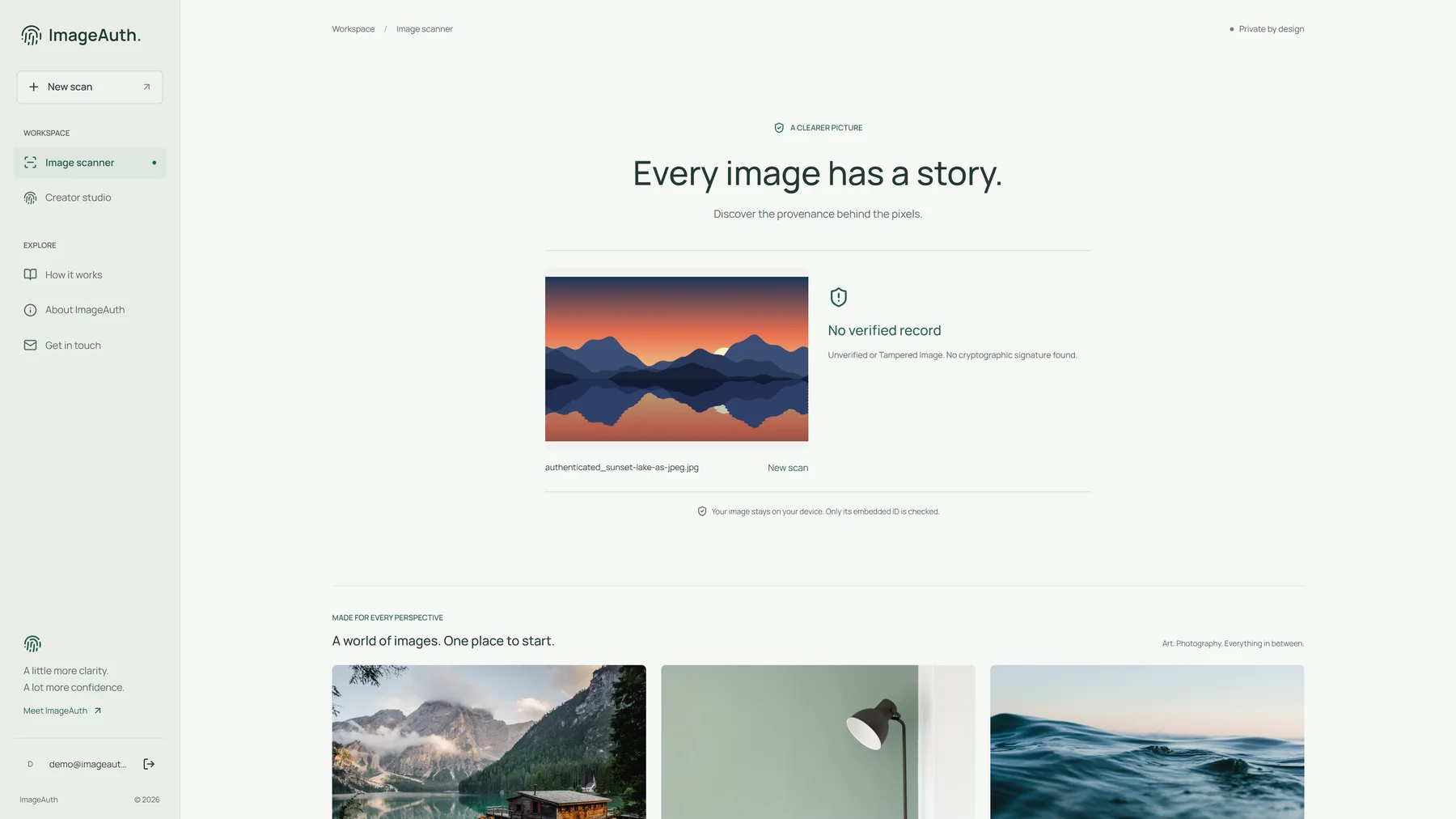
Clear results when no verified record exists
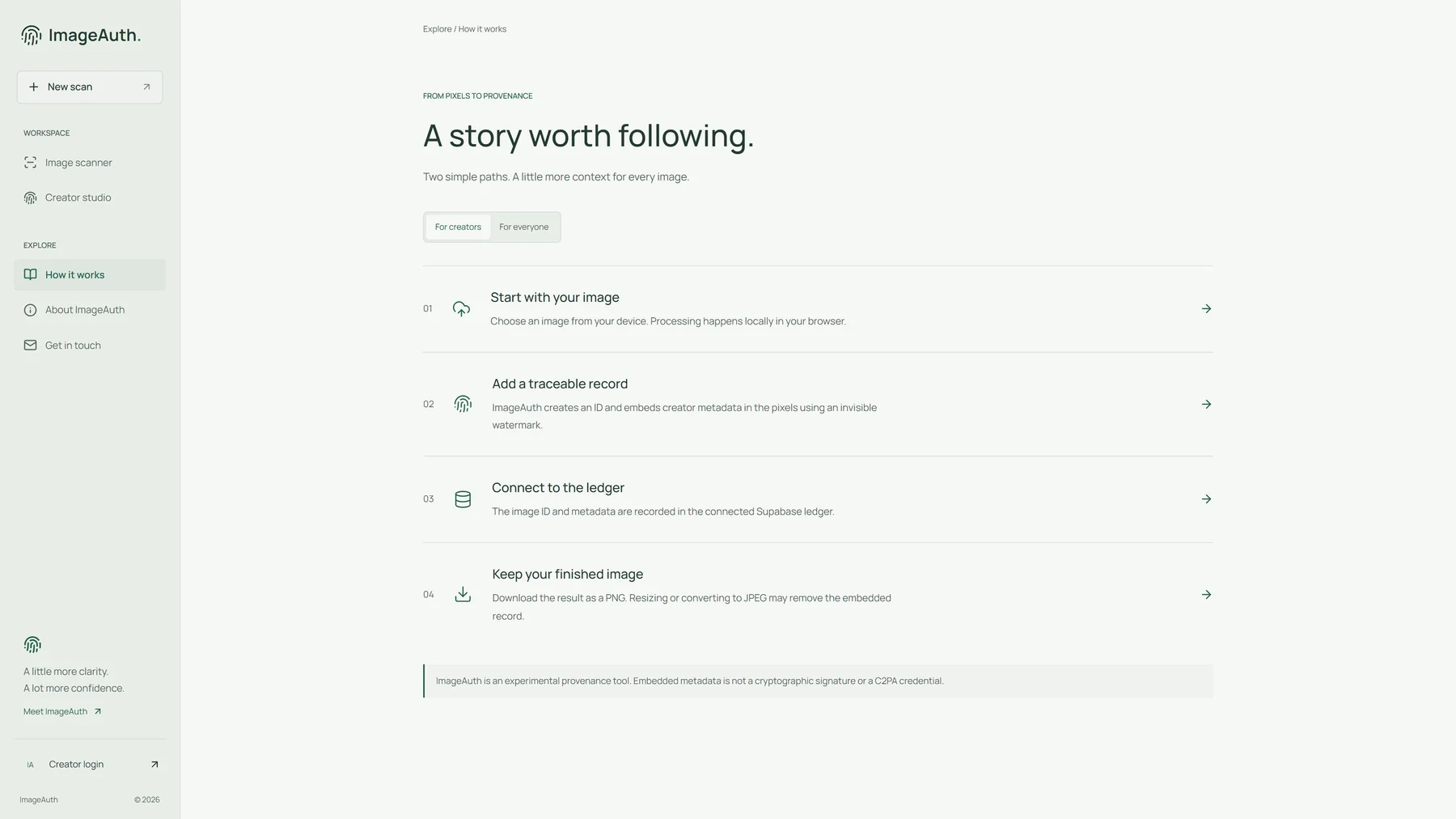
A plain walkthrough of how it all works
In Creator Studio, add your image and choose an invisible or visible finish
Embed the record and download your image
Anyone drops the image into the public scanner, with no account
The scanner reads the hidden ID and shows the matching record
Keep your name with your work as it travels
Label what a generator produced
Record where each image came from
Scan it before you trust or share it
Open source under the MIT license.
It uses LSB (least significant bit) steganography. ImageAuth writes a record ID into the last bit of the red value of some pixels, and the scanner reads that ID back to find the hidden record.
No. Converting to JPEG or resizing removes it, so keep the PNG you download.