The problem
Getting text out of a screenshot usually means another app or an online service. Measuring something on screen, picking a color or scrolling through a long page each take a different tool again.

Copy the text or table inside your capture, measure it, mark it up or pin it on top of your work. All on your own computer.
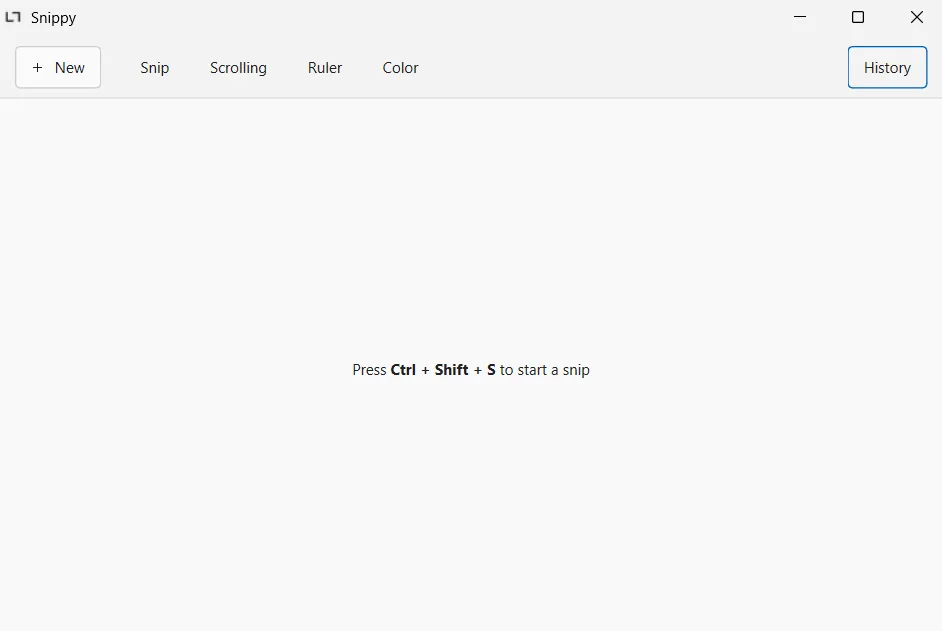
Press Ctrl + Shift + S to start a snip
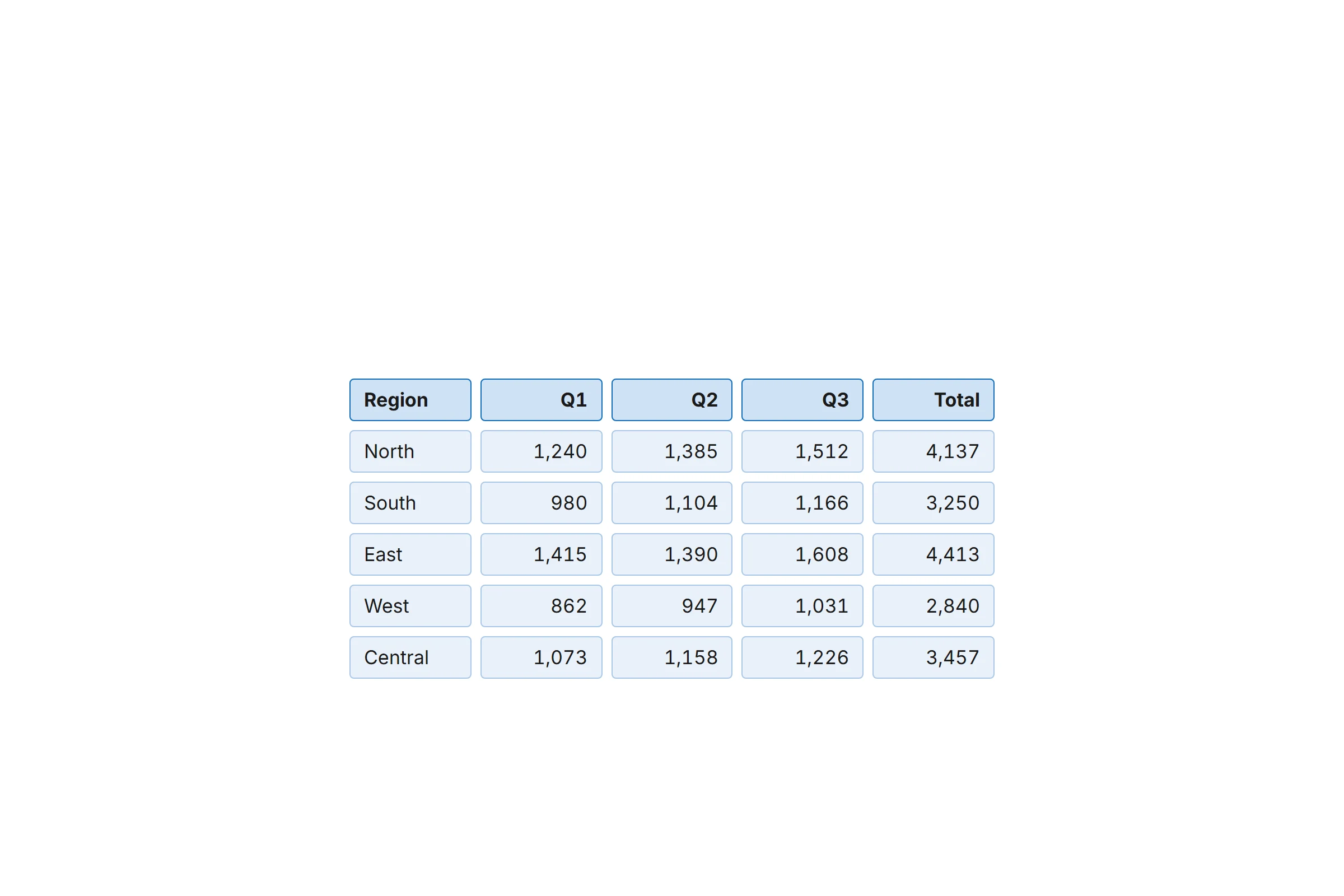
Capture it and paste the rows straight in.
It is only a picture: a scan, a slide or a screenshot someone sent you.

Snippy V reads the rows on your own computer, so the capture stays with you.

Copy Table puts them on the clipboard with every value in its own cell, ready for your spreadsheet.
| Region | Q1 | Q2 | Q3 | Total |
|---|---|---|---|---|
| North | 1,240 | 1,385 | 1,512 | 4,137 |
| South | 980 | 1,104 | 1,166 | 3,250 |
| East | 1,415 | 1,390 | 1,608 | 4,413 |
| West | 862 | 947 | 1,031 | 2,840 |
| Central | 1,073 | 1,158 | 1,226 | 3,457 |
Table copied to clipboard
Text, tables, measurements and colors, without opening another app or uploading anything.
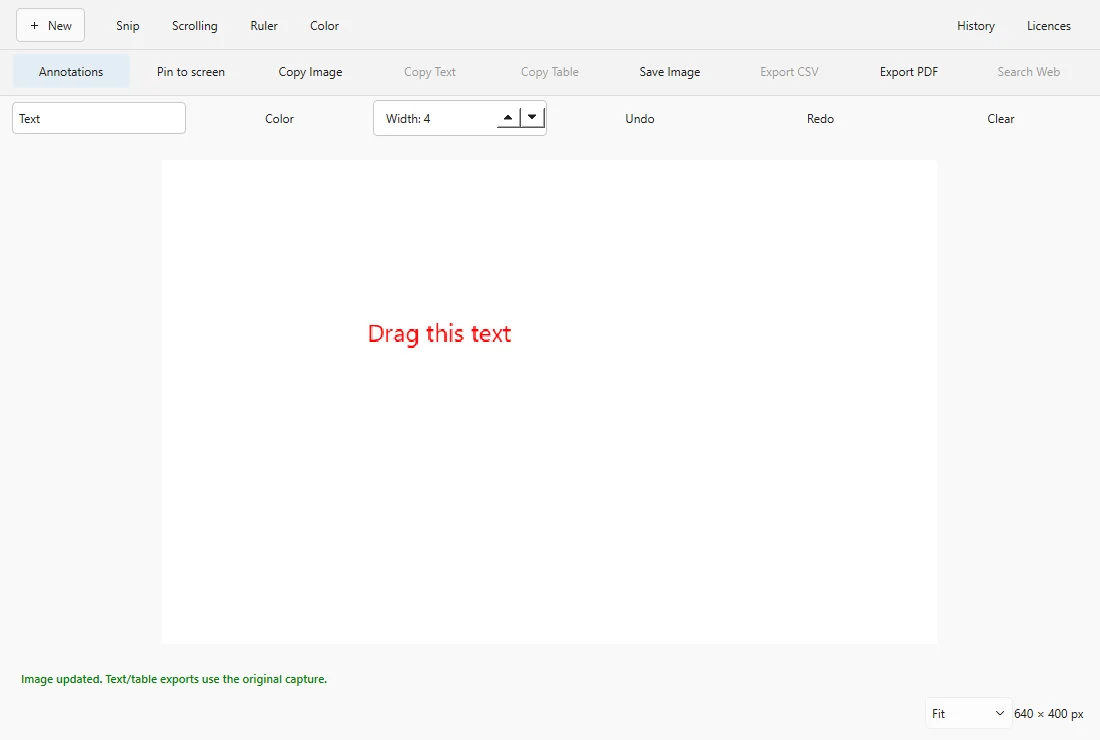
Every capture opens in one place: annotate, pin, copy the image, the text or the table, or save it.
Copy words out of an image, a video or a locked PDF
Capture it and paste the rows straight in
Scroll a whole conversation or document into one image
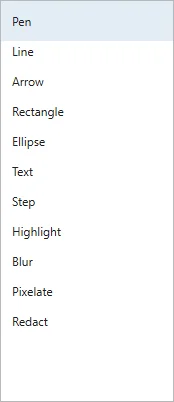
Add arrows and numbered steps, and blur anything private
Connect Claude Desktop, Cursor or VS Code through MCP
For AI agents
Snippy V also runs as an MCP server, with 15 tools. Connect Claude Desktop, Cursor or VS Code and they can use the same capture and text tools.
Snippy V starts its MCP server on your computer when it opens. Paste this into your app's MCP config as it is.
{
  "mcpServers": {
    "snippy": {
      "url": "http://127.0.0.1:8000/sse"
    }
  }
}MCP Server: http://127.0.0.1:8000/sse while the server is running.Snippy V is a Windows app for capturing, annotating and pulling content out of your screen. Press Ctrl+Shift+S, and copy the text or table inside your capture, measure it, mark it up or pin it on top of your work.
Getting text out of a screenshot usually means another app or an online service. Measuring something on screen, picking a color or scrolling through a long page each take a different tool again.
Snippy V puts all of that behind one hotkey. Text recognition runs on your own computer, so your captures stay with you. It also works as a Model Context Protocol (MCP) server, so AI agents such as Claude can use the same capture and text tools.
Windows now. Mac is coming soon. MIT licensed.