
Coming soon to Windows. Free and open source
Rex, your desktop buddy.
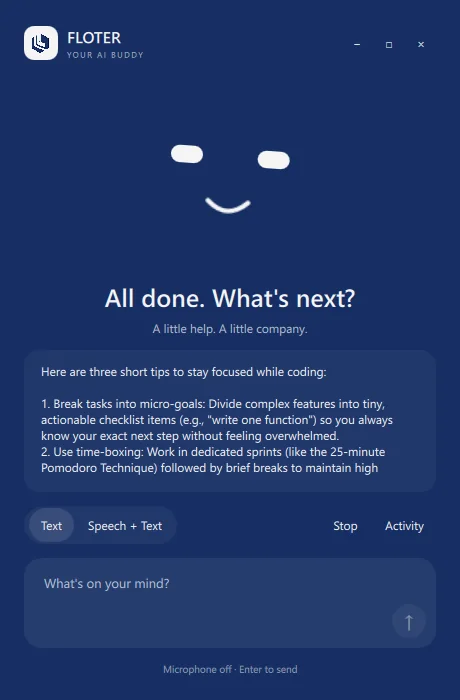
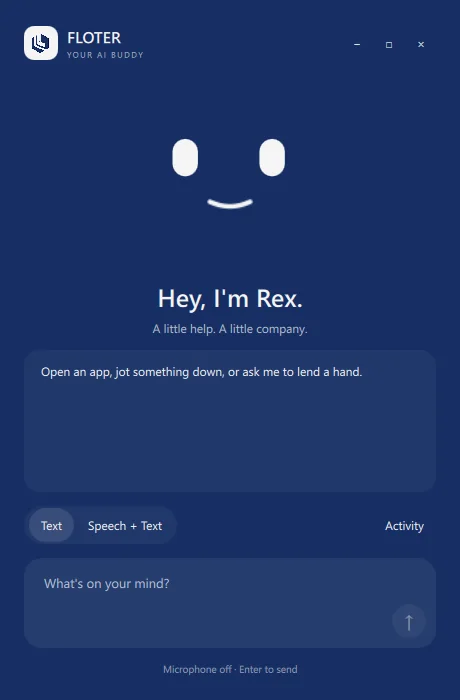
You talk, Rex does the clicking. Say "Hey Rex" or type a request, and he opens apps and websites, takes notes and searches the web.
How it works
Ask once. Rex checks before he acts.
- 1
Capture the request: say "Hey Rex" or type in the window
- 2
Ask JEV to route it to one of the actions Rex knows
- 3
Check it is safe: the confidence and the action are validated
- 4
Run the action, with your approval when it clicks or types
- 5
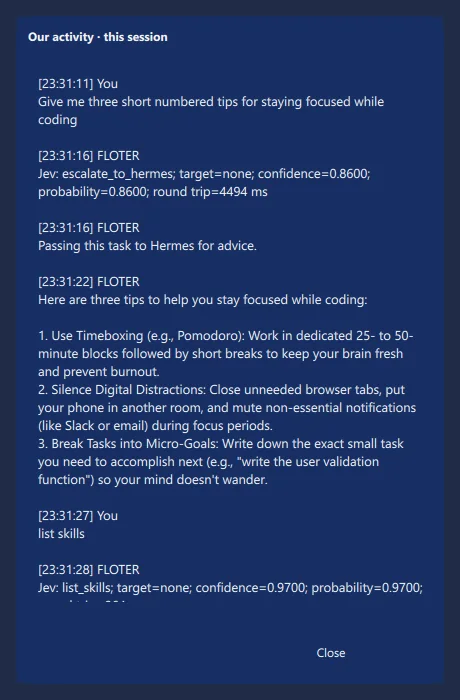
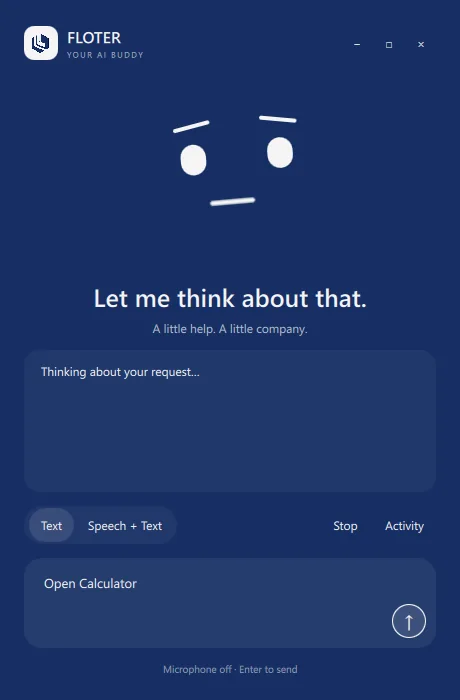
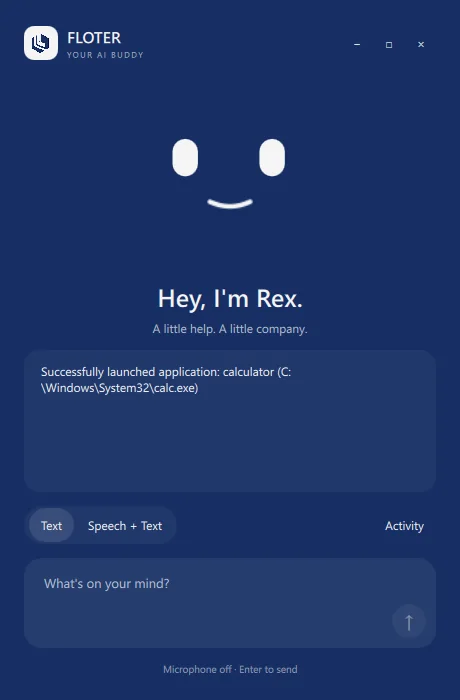
Report the result on Rex's face and in the activity list
Screens
Features
Small jobs, done by voice.
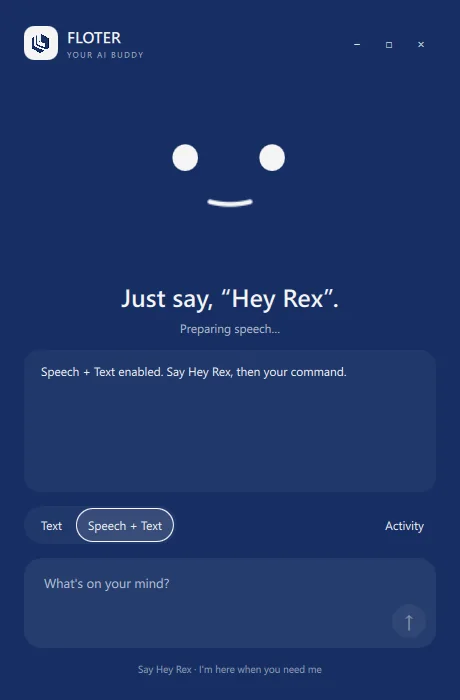
Talk or type
Wake phrase "Hey Rex", with speech recognition that runs on your PC.
Apps and websites
Opens apps, websites and searches in the browser you name.
Notes
Dictates into a Notepad draft.
Photos and video
Takes photos and records video.
Plans you review
Multi-step plans, reviewed before they run, that you can save as skills.
Trailer
Use cases
What you can ask Rex
Start your workspace
"Open VS Code", then "Open Gmail in Brave"
Catch a thought
"Type buy milk and call the plumber in Notepad"
Start some research
"Search for walking trails near Sydney in Edge"
Understand your screen
"Explain what is on my screen"
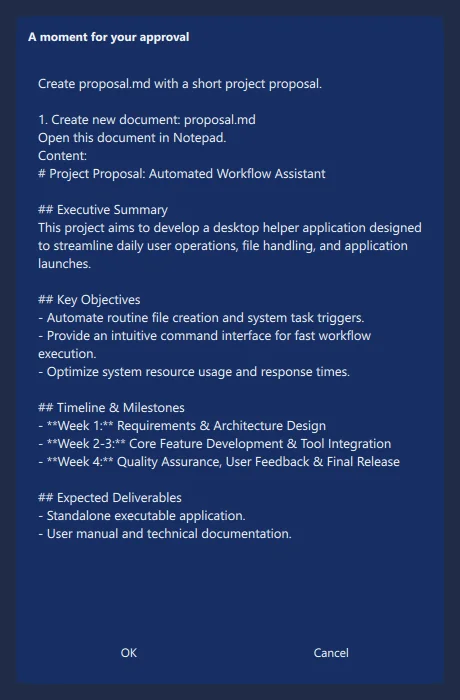
Draft a document
"Write a short project proposal", then approve the plan
Repeat a routine
Save a finished plan as a skill and run it again later
About
About FLOTER
FLOTER is a free, open-source desktop assistant for Windows. Meet Rex: type a request or say "Hey Rex", and he opens apps and websites, takes notes, searches the web, captures photos and video, and proposes multi-step tasks for you to approve.
Everyday desktop work is full of small manual steps: opening the right apps, jotting down a note, starting a search, repeating the same routine every morning.
Safety
Rex asks first.
Speech is transcribed on your own PC, and JEV picks exactly one action for each request. If it is unsure, Rex asks you to rephrase instead of guessing. Anything that clicks, types or runs a plan waits for your approval first, and Rex never handles passwords, purchases, sending messages or deleting.
- Speech is transcribed on your PC
- Clicking and typing wait for approval
- One action per request
- Free, MIT licensed
- Account required
- No account; needs your own Jev (TypeSafe) API key, and optionally a Gemini key
- What it keeps
- Settings, drafts, saved plans and logs in your user folder; camera files in Pictures/FLOTER
- Age rating
- Not yet rated
FAQ
Is FLOTER free?
Yes. It is free and open source under the MIT license.
What do I need to run it?
Windows, plus your own Jev API key, as every request is routed through Jev. A Gemini key adds screen explanations and planning.
Does it work offline?
Speech recognition runs on your PC, but requests go to Jev for routing, so it needs an internet connection.
Requirements
FLOTER runs on Windows and needs a Jev API key of your own.
- What Jev is
- A model from TypeSafe that reads a request in plain words and answers with a typed choice, such as which action you mean.
- Why FLOTER needs a key
- Every request you give Rex goes to Jev, which picks the one action to run. FLOTER uses your own key, so the account is yours.
- Where to get one
- The TypeSafe console, under API keys. Get a Jev API key (TypeSafe console, opens in a new tab)
- Cost
- TypeSafe charges for the text it reads, and its answers are free. Its published price for Jev in November 2026 was $0.042 per million input tokens. See TypeSafe's pricing (opens in a new tab)
Set it up
- Get a Jev API key from the TypeSafe console
- Add it to FLOTER's settings file, %USERPROFILE%\.floter\.env, as Jev_API_Key, then restart FLOTER
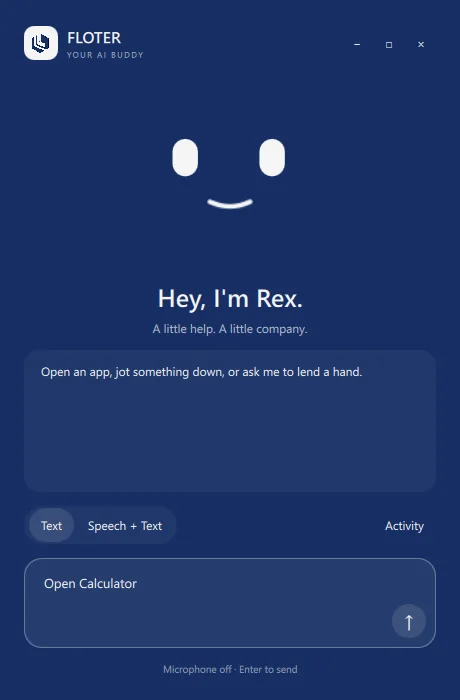
- Type "Open Calculator" and press Enter to check that Rex answers
Speech is transcribed on your PC. Requests are sent to Jev for routing; screen explanations send a screenshot to Gemini.
FLOTER is coming soon to Windows.
Free and open source. Join the waitlist and we will tell you when it is out.
- Price
- Free and open source
- Requires
- Windows and your own Jev API key. TypeSafe charges for Jev by use. See the requirements
- Last updated
- Join the waitlist
- Coming soon for Windows